
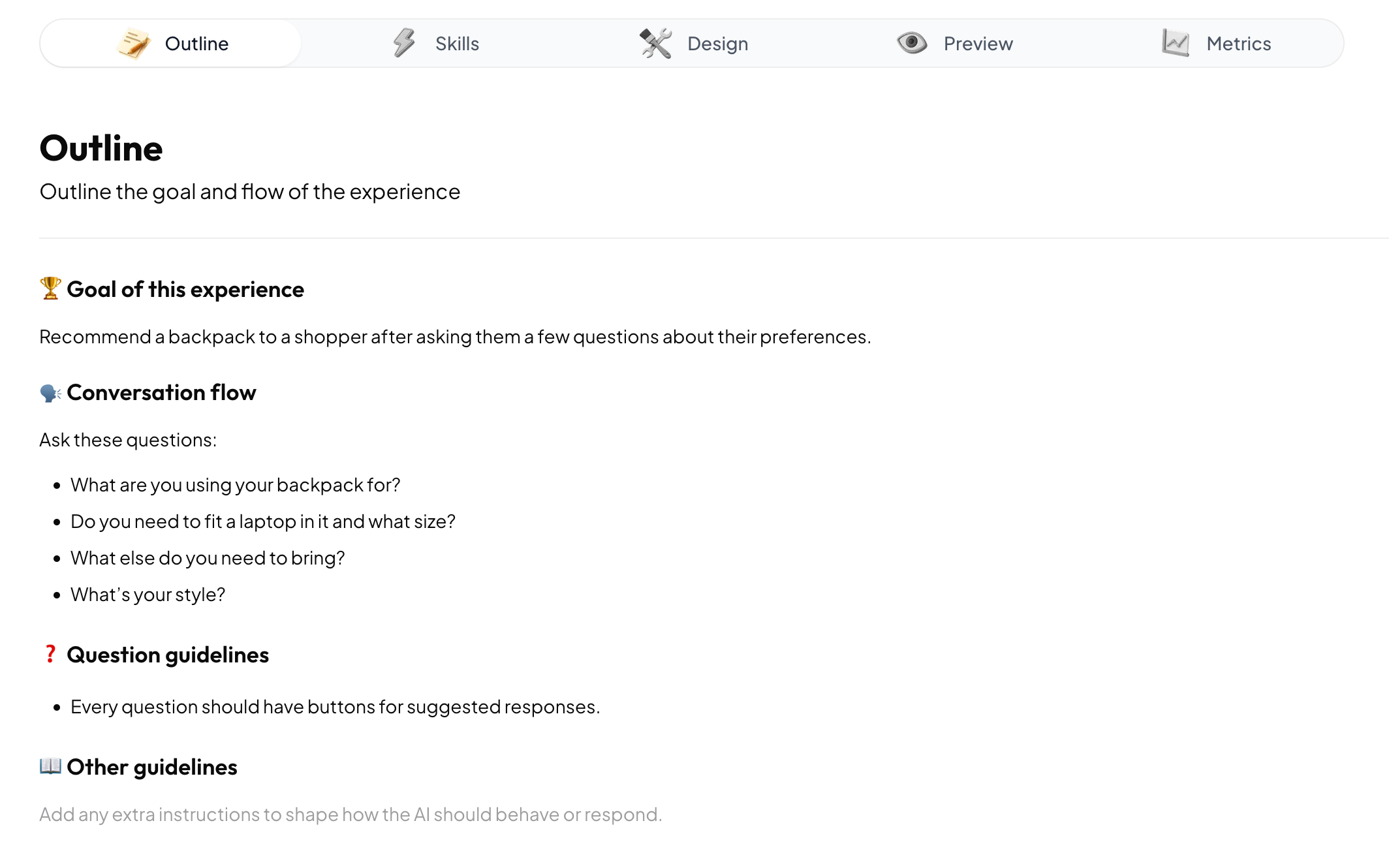
Using the text editor
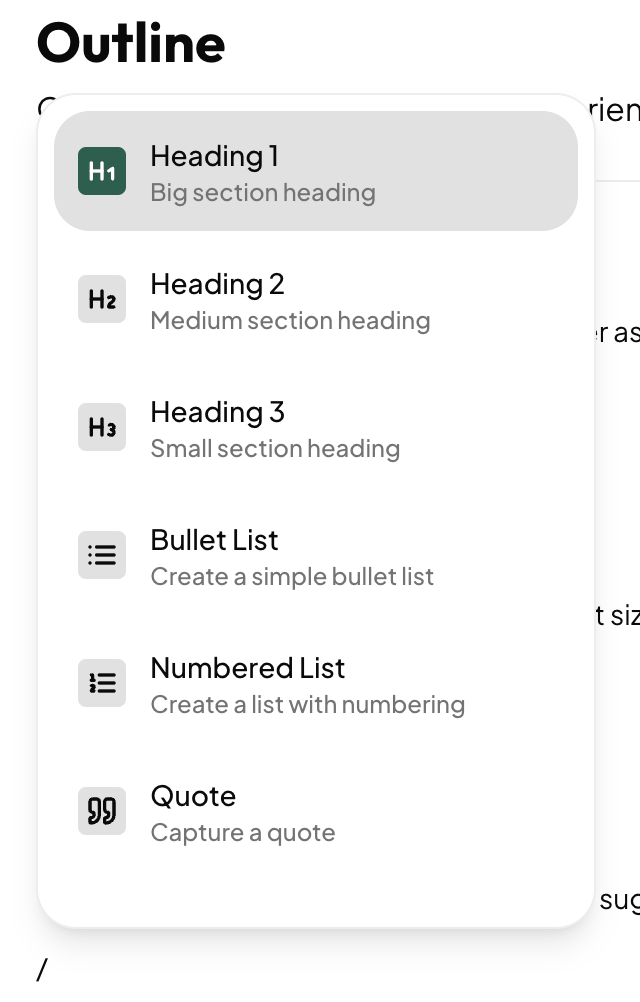
The Outline tab is a rich text editor where you can add instructions for the agent. These could be anything from types of questions to ask the user, to the tone and personality the agent should use, to specific topics the agent should avoid. Typing the/ key opens the slash command menu that allows you to insert formatted text blocks such as headings and lists. Structuring the outline into sections can help the agent better understand and follow your instructions.
Understanding AI agents
When setting up an experience in Anagram, it’s important to understand what AI agents are, as well as their strengths and weaknesses. The power of agents comes from their open-ended nature and ability to adapt dynamically to unpredictable input from the user. This means that there’s no complex logic or rigid decision trees to set up, and Anagram experiences are incredibly simple create compared to previous generations of chatbots. This also means that each interaction with a user is unique. Anagram may adapt conversations to individual users based on their responses and realtime context data. No two conversations are the same, so it’s useful to think of your instructions as influencing the AI agent, rather than imposing a rigid structure for it to follow.Tips and tricks
The following tips and tricks can help you as you create the outline for your experience:- Write the outline as if you are giving instructions directly to the AI agent. Words like “you” and “your” refer to the agent. When referring to the visitor to the site that is using the experience, you can call them “the user.” For example, you could say something like, “Your goal is to ask the user 3-5 questions to understand their preferences and then recommend the perfect backpack for them.
- The Outline tab contains instructions for the overall agent that manages the Experience. If you have instructions related to a specific skill, you can add those in the Skills tab. For example, in the Outline tab, you might say something like, “Ask 3 questions to learn more about the user’s style, and then make a recommendation.” If you have instructions specific to the recommendation logic, like “Don’t recommend totes if the user is looking for something for school,” they belong in the Skills tab.