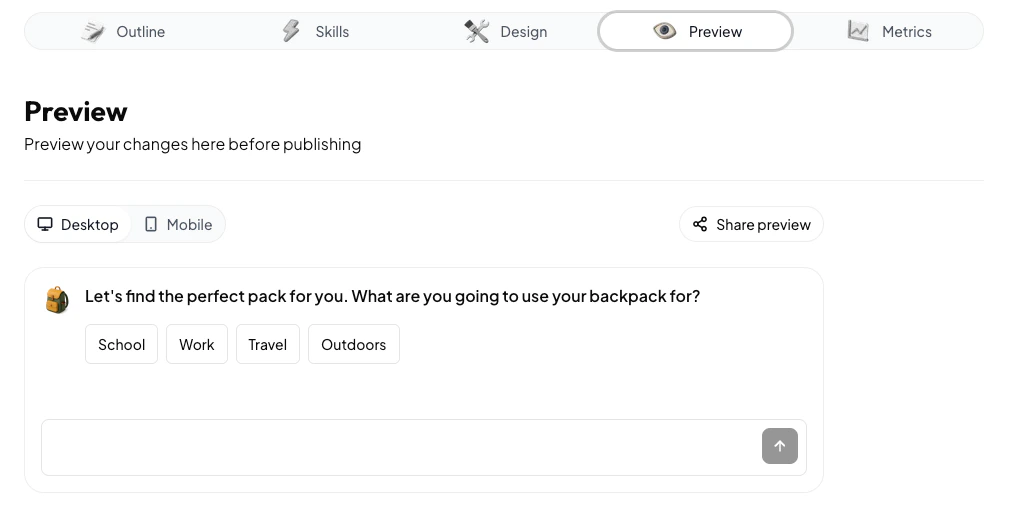
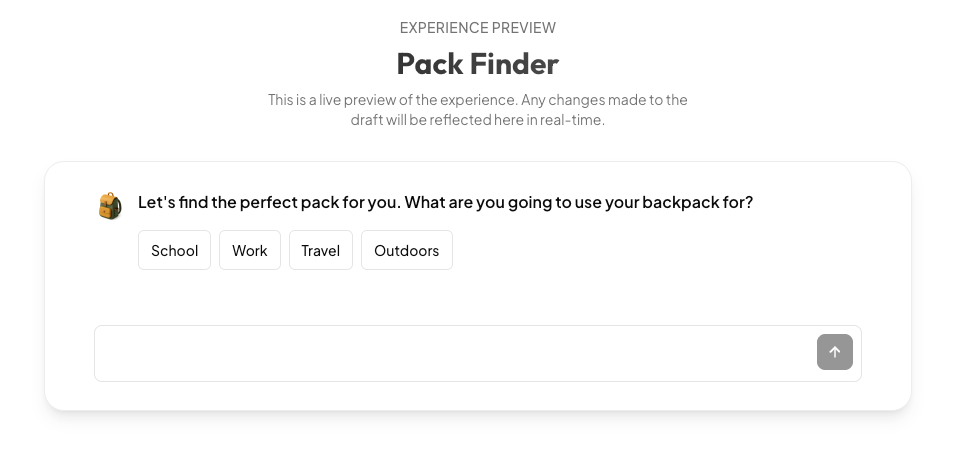
The Preview tab allows you to use your experience and see any changes you’ve made before publishing it. The preview reflects any changes you’ve made in the Studio, which are continuously auto-saved. This means that the preview will differ from the live experience that’s already launched if you’ve made changes since the last time you published.You can toggle between Desktop and Mobile to see what your experience will look like with on different screen sizes. You can also click “Share preview” to get a sharable link that anybody can view and try. People you send the share link to do not have to be Anagram users to access it.